Discord Font Generator
Generate 𝚖𝚘𝚗𝚘𝚜𝚙𝚊𝚌𝚎, 🅂🅈🄼🄱🄾🄻, ᴀʙᴄ Small Caps & fancy Discord text. Copy and paste in 1-click!
🕐 Recently Copied
Advertisement
Why Trust IGFonts.in?
At IGFonts.in, we don't just "flip" characters. Our developers have deep expertise in the Unicode Standard. We manually audit every font map to ensure that the symbols we use are safe for modern browsers and won't cause "broken box" errors on major social platforms.
Notice & Disclaimer: IGFonts.in is an independent text-styling tool and is not affiliated, endorsed, or associated with Instagram, Meta, TikTok, Discord, Garena Free Fire, or PUBG / Krafton. All product names, logos, and brands are property of their respective owners.
Complete Guide to Discord Font Generator & Text Format
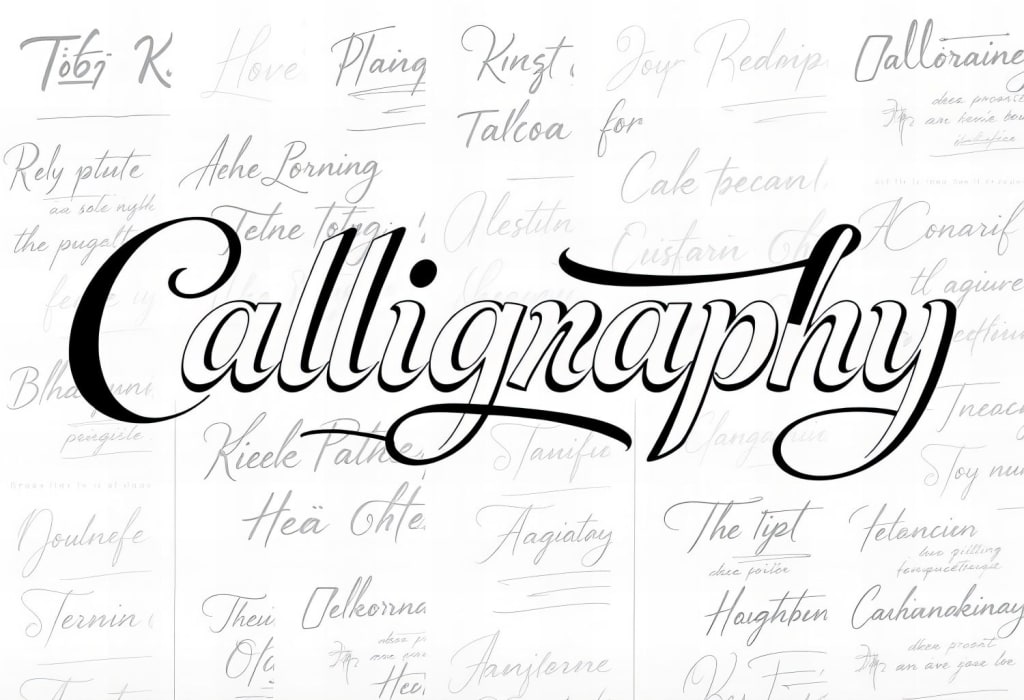
The Discord Font Generator transforms plain text into 𝚖𝚘𝚗𝚘𝚜𝚙𝚊𝚌𝚎 typewriter letters, 🄱🄾🅇🄴🄳 enclosures, ᴀʙᴄ Small Caps, and aesthetic Unicode symbols. Whether you want to format Discord server channel titles (e.g. `💬┊chat-room`), customize your Discord Display Name, or style server role names, this tool offers 1-click copy & paste fonts compatible with all Discord clients.
While Discord supports markdown formatting (`**bold**`, `*italics*`, ````code blocks````) in chat messages, markdown does not work in server names, channel names, or profile usernames. Unicode character replacement is the only way to customize text appearance across these core Discord interface areas.
Top Discord Font & Formatting Styles
𝚖𝚘𝚗𝚘𝚜𝚙𝚊𝚌𝚎 Typewriter
Uses Unicode Mathematical Monospace characters (U+1D670–U+1D6A3). Gives a clean, tech-inspired developer look popular among bot developers, crypto communities, and gaming servers.
🄱🄾🅇🄴🄳 Squared Lettering
Encloses each letter inside squared boxes (U+1F130–U+1F149). Highly visible in Discord channel lists and server category headers.
💬┊Channel Header Layouts
Combines aesthetic symbols, vertical bar dividers `┊`, and small caps to organize Discord server channels into sleek visual categories.
𝕱𝖗𝖆𝖐𝖙𝖚𝖗 Discord Role Fonts
Heavy medieval gothic fonts for Discord server role names (e.g., `𝕬𝖉𝖒𝖎𝖓`, `𝕸𝖔𝖉𝖊𝖗𝖆𝖙𝖔𝖗`, `𝖁𝕴𝕻`) that add prestige to user roles.
Discord Markdown vs. Unicode Fonts
Use Discord Markdown (`*`, `**`, `` ` ``) When...
You are typing standard chat messages in text channels. Markdown allows quick bolding, code block formatting, and spoiler tags (`||hidden||`).
Use IGFonts.in Unicode Fonts When...
You are styling Discord usernames, server names, channel titles, status messages, or custom role names where Markdown tags are disabled.
Frequently Asked Questions
How do I change my Discord Display Name font?
Type your name into the generator above, click or tap your preferred font style to copy it, then open Discord > User Settings > Profiles > Display Name and paste your styled text!
Can I use these fonts in Discord channel names?
Yes! Discord channel names support all standard Unicode symbols and letters. Using channel dividers like `💬┊lounge` makes server navigation much cleaner for members.
Will Discord fonts work on desktop and mobile apps?
Yes! Because these fonts use standard Unicode character specifications, they display consistently across Windows, Mac, Linux, iOS, and Android Discord applications.
